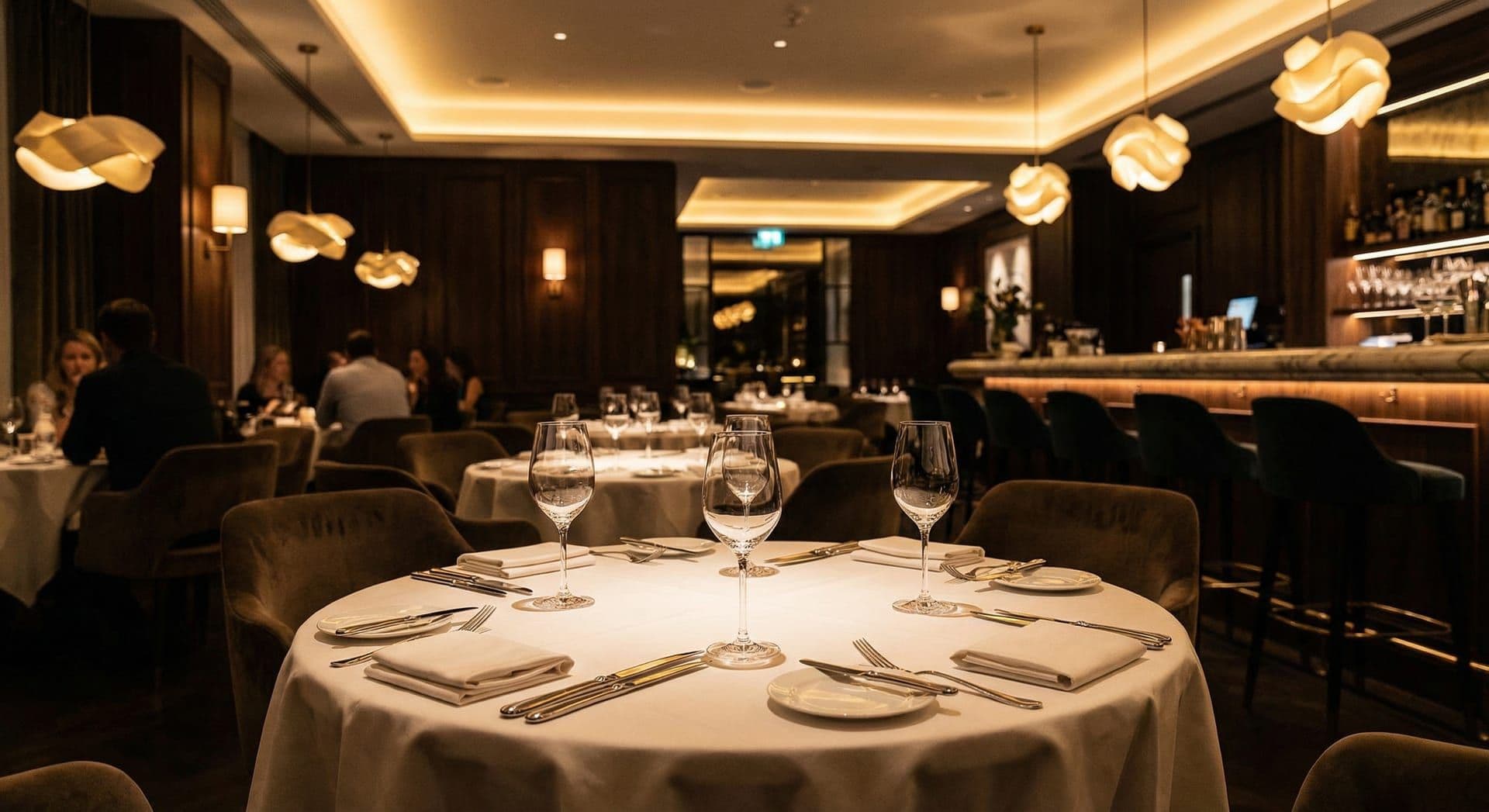
Pop quiz: where do people actually look when they're deciding where to eat tonight? If you answered Facebook, you're about five years behind. The answer is Google. Google Maps, specifically. And if your Southport restaurant doesn't show up when someone searches "restaurants near me" or "best place to eat in Southport," you're handing customers to whoever does.
We talk to a lot of restaurant owners in Southport, and the story is almost always the same: "We've got a Facebook page, we post our specials, what more do we need?" The answer is: quite a lot more. A Facebook page is a walled garden. Google can't see your menu, your opening hours are buried in an "About" tab nobody clicks, and your posts reach a shrinking percentage of your followers thanks to algorithm changes.
At Churchtown Media, we specialise in local SEO for Southport restaurants. Let's talk about what it actually takes to fill tables through search.
Why a Facebook Page Isn't Enough
Let's be clear: Facebook is still valuable for restaurants. It's great for community engagement, event promotion, and sharing photos of tonight's special. But it has serious limitations as your primary online presence:
- Organic reach is declining: Facebook's algorithm shows your posts to a fraction of your followers. Pay-to-play is now the norm
- Google can't index it properly: Your menu posted as a Facebook photo doesn't appear in Google search results
- No booking integration: Customers have to message you, call you, or leave the platform entirely to reserve a table
- You don't own the platform: Facebook changes its rules constantly. Your audience lives on rented land
Your website, on the other hand, is yours. It shows up in Google. It can take bookings. It can rank for the keywords that hungry people actually search for.
Menu SEO: Your Secret Weapon
Your menu is the most commercially valuable page on your restaurant website: and most Southport restaurants get it completely wrong.
Common Menu Mistakes
Google can technically read PDFs, but it treats them as secondary content. A PDF menu won't rank for "seafood restaurant Southport."
A photo of your paper menu is completely invisible to search engines. It also looks terrible on mobile phones.
You'd be surprised how many restaurants link to their Facebook page for the menu. That's a dead end for SEO.
Your menu should be written in HTML text on your website. Each dish described, dietary information included (gluten-free, vegan, vegetarian), and prices clearly displayed. This creates a page rich in exactly the kind of keywords people search for: "vegan restaurant Southport," "Sunday roast PR8," "seafood Southport."
Menu Page Best Practices
- HTML text, not PDFs or images: Crawlable, searchable, mobile-friendly
- Structured with headings: Starters, Mains, Desserts, Drinks: each as an H2 or H3
- Dietary labels: Mark items as GF, VG, V, DF with a clear key. Dietary searches are growing fast
- Prices included: People want to know what they'll spend before they visit
- Add schema markup: Use Menu and MenuItem structured data so Google can display your dishes in rich results
- Keep it updated: An outdated menu erodes trust immediately. Seasonal updates signal freshness to both customers and Google
Google Business Profile: Your Digital Storefront
For restaurants, your Google Business Profile (GBP) is arguably more important than your website. It's the first thing people see in search results and on Google Maps. Here's how to optimise it properly:
- Correct primary category: "Restaurant" is too broad. Choose "Seafood Restaurant," "Italian Restaurant," or whatever fits best. Add secondary categories for additional coverage
- Complete every attribute: Outdoor seating, wheelchair accessible, serves alcohol, takes reservations, price range: fill in everything Google offers
- Post weekly: Share your specials, events, seasonal menu changes. GBP posts appear in your listing and signal to Google that your business is active
- Add your menu: Google now lets you add a menu directly to your Business Profile. Use it
- Upload photos regularly: Businesses with more than 100 photos on their GBP get significantly more clicks than those with fewer. Post food shots, interior shots, and happy customers (with permission)
Online Reservations: Frictionless Fills Tables
If your booking process involves calling during opening hours or sending a Facebook message and hoping someone replies, you're losing reservations. People want to book instantly, at 11pm on their sofa, without talking to anyone.
An online reservation system on your website does three things:
- Captures the impulse: Someone deciding "let's eat out Saturday" at 10pm can book immediately instead of forgetting by morning
- Reduces no-shows: Automated confirmation emails and reminders dramatically cut no-shows
- Collects customer data: Email addresses for future marketing, birthdays for special offers, dietary preferences for personalised service
There are affordable reservation platforms that integrate directly with your website. The investment is minimal compared to the bookings you're currently losing.
Handling Reviews Like a Professional
Restaurant reviews on Google can make or break you. A 4.5-star restaurant with 200 reviews will always outperform a 5-star restaurant with 3 reviews: both in rankings and in customer trust.
The Restaurant Review Playbook
- Ask naturally: "If you enjoyed tonight, we'd really appreciate a Google review" on the bill presenter or a small table card works well
- Respond to everything: Positive reviews get a personal thank you. Negative reviews get an empathetic, professional response that acknowledges the issue
- Never argue publicly: Even if the reviewer is unreasonable, your response is for the hundreds of future customers reading it, not for the reviewer
- Learn from patterns: If three people mention slow service on Saturdays, that's operational feedback disguised as reviews. Fix the problem, then mention the improvement in your response
- Don't fake it: Fake reviews are obvious and Google penalises them. Authentic, steady review growth is far more valuable
Food Photography Tips (Without Hiring a Photographer)
Great food photography doesn't require a professional camera. Your smartphone can produce stunning images if you follow a few simple rules:
- Natural light only: Shoot near a window. Never use flash: it makes food look flat and unappetising
- Overhead or 45-degree angle: These two angles work for almost every dish. Overhead for flat dishes (pizza, salads), 45 degrees for plated mains
- Clean the plate edges: Wipe any sauce drips or crumbs before shooting. The details matter
- Use a plain background: A wooden table, a slate board, or a simple white plate. Busy backgrounds distract from the food
- Edit lightly: Increase brightness slightly, boost warmth a touch, and sharpen. Don't over-filter: the food should look real, not artificial
Upload these photos to your website, Google Business Profile, and social media. Consistent, appetising photography across all platforms builds a professional brand that makes people want to book.
Ready to Fill More Tables?
Get a free audit of your restaurant's online presence: from Google rankings to review strategy.
We're in Southport. We eat at your restaurants. Let us help you fill every table.
More Southport guides: B&B and Hospitality SEO, Leisure Industry SEO, Family Days Out SEO.

Written by Damian Roche
Founder & CEO, Churchtown Media
20+ years building websites, 15+ years obsessing over SEO. Based in Southport, helping North West businesses turn traffic into revenue with Next.js and data-driven strategies.
More about DamianNeed Help With This Strategy?
We implement these exact strategies for North West businesses. Get a free audit and see where you stand.
Get Your Free AuditRelated Reading
Need help implementing this?
We help Southport businesses turn these strategies into revenue.
Book Strategy Call